 JPG to WebP
WebP to PNG Converter
Convert WebP images to lossless PNG and keep transparent backgrounds. Fast, free and private.
Drop WebP images here or browse
Up to 10 files · JPG, PNG, WebP, GIF, BMP, AVIF · or paste with Ctrl+V
🔒 Your images never leave your device. Conversion runs locally in your browser.
Convert images without leaving the page
The free JPG to WebP extension for Chrome puts the converter one click away — on every website.
- Right-click any image → convert to WebP, JPG or PNG
- Drag & drop files into the toolbar popup
- Bulk conversion with one ZIP download — no 10-file limit
- Quality and resize settings (by width, height or longest side)
- 100% local and private, works without internet
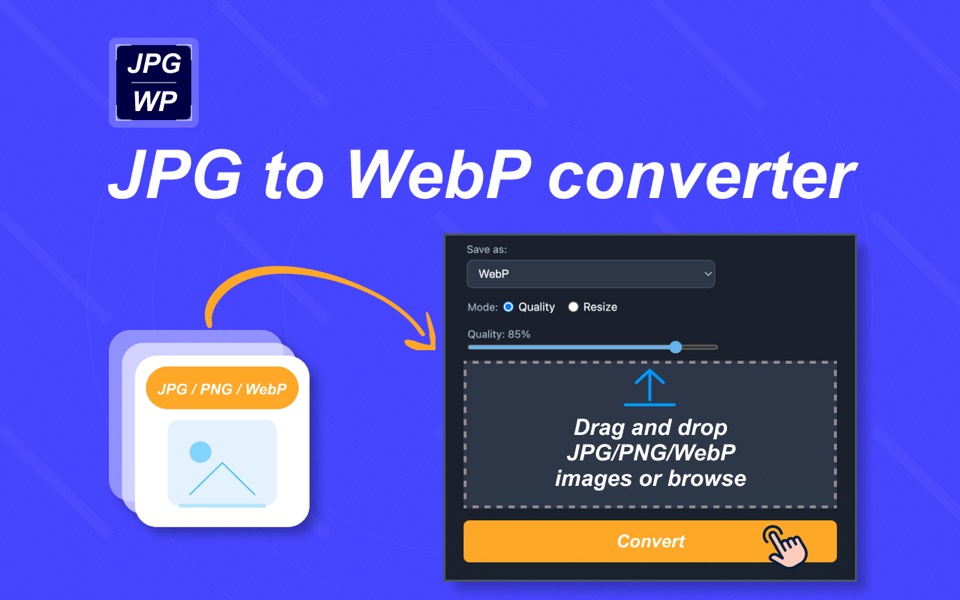
Online converter vs. Chrome extension
| Online | Extension | |
|---|---|---|
| Convert JPG, PNG, WebP | ||
| Files stay on your device | ||
| Images per batch | up to 10 | unlimited |
| Right-click images on any website | ||
| Resize while converting | ||
| Always one click away |
How to convert WebP to PNG
- Add images. Drag & drop WebP files into the box above, click to browse, or paste an image with Ctrl+V.
- Pick format and quality. PNG is preselected. PNG is lossless, so there is no quality setting.
- Download. Save each image or grab them all in a single ZIP file. You see the exact size before and after.
Why convert WebP to PNG?
PNG is a lossless format supported by virtually every image editor, design tool and operating system.
Converting WebP to PNG is the best choice when you want to keep transparency or edit the image further without adding more compression artifacts.
Note that PNG files are usually larger than WebP — that is the price of lossless quality and maximum compatibility.
Frequently asked questions
Does WebP to PNG keep transparency?
Yes. PNG supports transparency, so the alpha channel of your WebP image is preserved.
Why is the PNG file bigger than the WebP?
PNG is lossless and less efficient than WebP, so the same picture usually takes more space. That is normal.
Is there a quality setting for PNG?
No. PNG is always lossless, so the quality slider is hidden when PNG is selected.
Are my files uploaded?
No. All conversion happens on your device, inside your browser.