 JPG to WebP
PNG to JPG Converter
Shrink large PNG photos and screenshots by converting them to JPG. Transparent areas become white.
Drop PNG images here or browse
Up to 10 files · JPG, PNG, WebP, GIF, BMP, AVIF · or paste with Ctrl+V
🔒 Your images never leave your device. Conversion runs locally in your browser.
Convert images without leaving the page
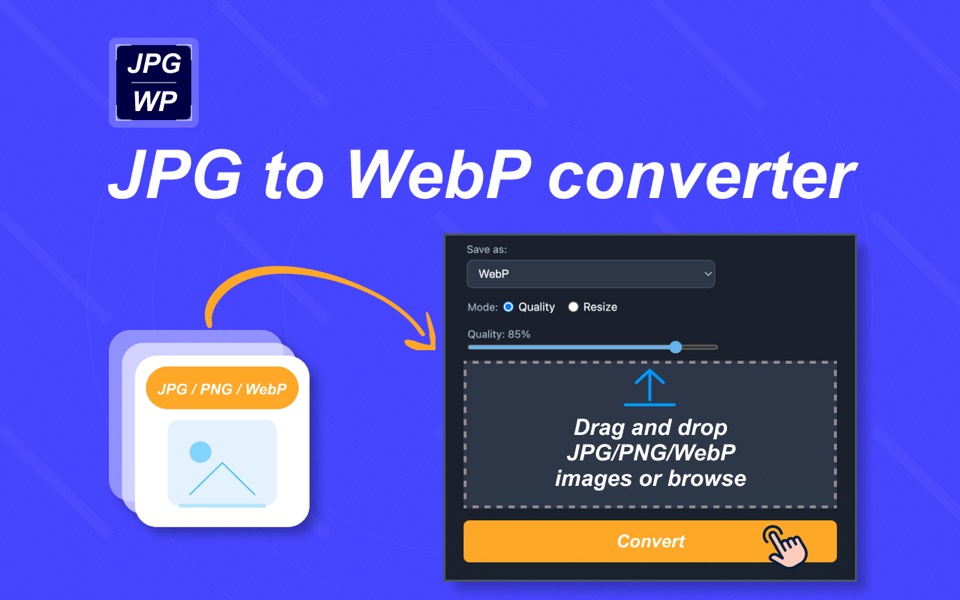
The free JPG to WebP extension for Chrome puts the converter one click away — on every website.
- Right-click any image → convert to WebP, JPG or PNG
- Drag & drop files into the toolbar popup
- Bulk conversion with one ZIP download — no 10-file limit
- Quality and resize settings (by width, height or longest side)
- 100% local and private, works without internet
Online converter vs. Chrome extension
| Online | Extension | |
|---|---|---|
| Convert JPG, PNG, WebP | ||
| Files stay on your device | ||
| Images per batch | up to 10 | unlimited |
| Right-click images on any website | ||
| Resize while converting | ||
| Always one click away |
How to convert PNG to JPG
- Add images. Drag & drop PNG files into the box above, click to browse, or paste an image with Ctrl+V.
- Pick format and quality. JPG is preselected. The default 85% quality is a good balance of size and clarity.
- Download. Save each image or grab them all in a single ZIP file. You see the exact size before and after.
Why convert PNG to JPG?
PNG is ideal for graphics, but photos and screenshots saved as PNG can be several megabytes. The same image as JPG is often many times smaller.
JPG is accepted everywhere — email attachments, upload forms, marketplaces and social networks.
For the smallest files on websites, consider converting PNG to WebP instead — it keeps transparency and is usually even smaller than JPG.
Frequently asked questions
What happens to the transparent background?
JPG does not support transparency, so transparent pixels are filled with white.
Which quality should I choose?
85% is a good default for photos. Screenshots with text look cleaner at 90–95%.
Is the PNG to JPG converter free?
Yes — free, without registration or watermarks.
Are my images uploaded?
No, conversion happens locally in your browser.